Waiting for Residency Issue
If you received Waiting for Residency Issue status after you applied for Emirates ID. This means your residency visa is pending verification and may have missing documents. We help you resolve this Issue online through the GDRFA and ICP websites without visiting the Amer Center in person, which eventually saves you time.
Waiting for Residency Issue (Dubai GDRFA)
- Visit the GDRFA website or download their mobile app.
- Log in to your account. If you don’t have one, Register or create an account.
- Select ‘Services’ and choose the option “Residency Services.”
- Select the “Renewal of Residency Visa” option.
- Scroll down to choose the type of “Residence Permit Renewal” service.
- Fill out the e-form and provide the necessary documentation, such as your passport, Emirates ID, and residency documents.
- Pay the fees and submit your application.
Waiting for Residency Issue indicates a problem with your residency status, and until it’s resolved, you won’t receive your Emirates ID and Residency Visa approval, also known as a UAE residency permit.
ICP Website to Solve Waiting for Residency Issue
Emirates ID Card Holders and Residency Visa Applicants can follow this method to resolve the Waiting for Residency Issue in UAE through the Federal Authority for Identity, Citizenship, Customs & Port Security (ICP).
- Go to the ICP website and sign in to your UAE PASS account.
- From the ‘Services’ tab, choose “Services for Individuals.”
- Click the ‘Start Service’ button next to “Amend Residency Permit.”
- Browse Smart Service for the requested ‘Residency Application’.
- Provide all the necessary information to fill out the application including Personal Information, Sponsored (Service Beneficiary), Passport, and Exemption Information.
- Provide in detail the reason for the application and request to resolve the “Waiting for Residency Issue” permit.
- Submit the residency application and wait for grating the “Residency Approval.”
After resolving the residency issue, you can check your Emirates ID application status using your account.
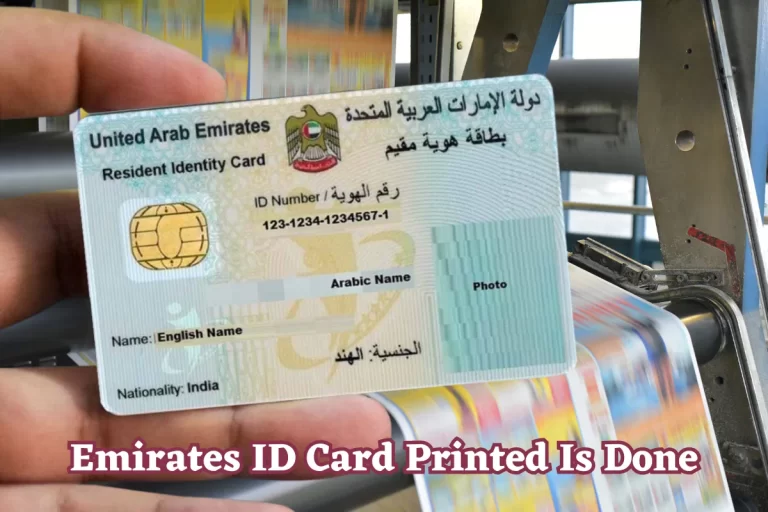
When you receive a “printed ID card” notification, you can head to the Emirates ID tracking to know the delivery date.